The mysterious official team just pushed a new update saying ChatGPT Atlas is being discontinued, and recommending the ChatGPT app's built-in browser instead 😅
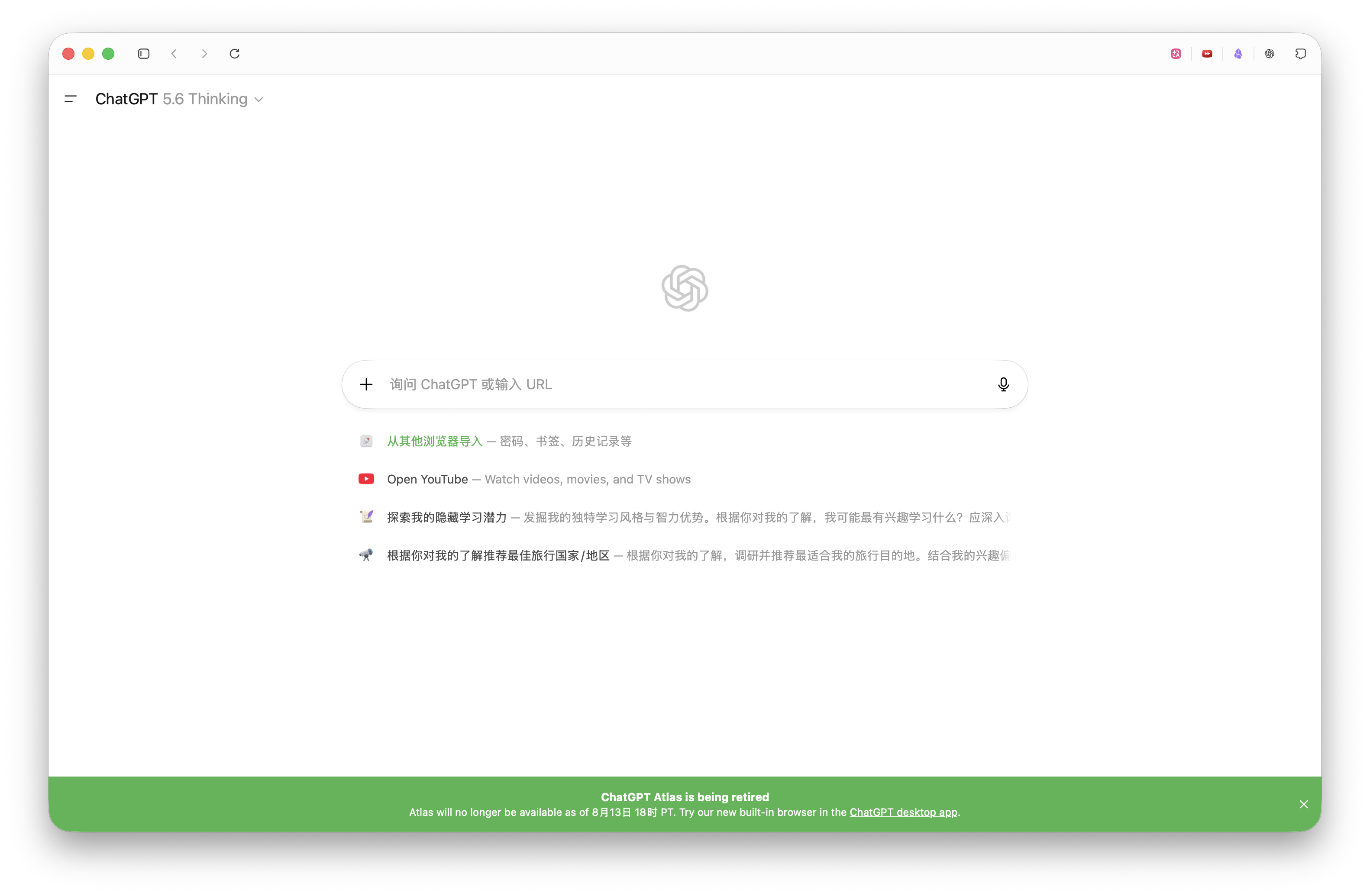
But obviously, the ChatGPT app's built-in browser can't handle everyday use, so I've decided to return to Dia's embrace. Overall, it feels like a seamless transition from ChatGPT Atlas.
I used AmpCode low mode to handle the migration, and overall it went fine — history, bookmarks, and extension data all came through without issues. Cookie migration was the tricky part; I had the AI try quite a few approaches.
You can send the prompt below to your Agent to complete the migration, or use the skill I distilled from the process (it's a bit richer than the prompt below):
https://github.com/ChanlerDev/skills/skills/atlas-to-dia-migration/SKILL.md
You can install it via skills: npx skills add chanlerdev/skills --skill atlas-to-dia-migration
Please help me fully migrate the data from the ChatGPT Atlas browser to the Dia browser. Both are Chromium-based browsers on macOS. Whenever a step requires my decision or manual action, stop and check with me; execute all remaining steps automatically.

1. **Data directories**: Atlas is at `~/Library/Application Support/com.openai.atlas/browser-data/host`, and Dia is at `~/Library/Application Support/Dia/User Data/Default`. Atlas uses a dual-process structure of an outer wrapper plus an inner Chromium, while Dia is single-process and can be launched directly with command-line arguments.

2. **Bookmarks & history**: Both use standard Chromium formats — `Bookmarks` is JSON and `History` is SQLite. Parse and merge them yourself, deduplicate with `INSERT OR IGNORE`, back up Dia's original files before migrating, and make sure Dia is not running while you work.

3. **Exporting cookies**: Atlas's cookie encryption keys are protected by both the Data Protection Keychain and the Hardened Runtime, so reading the Keychain directly, attaching with lldb, and injecting via a CDP port are all unworkable. A viable approach is to create a browser extension (with `"cookies"` + `"<all_urls>"` permissions), use `chrome.cookies.getAll({})` and `chrome.cookies.getAll({ partitionKey: null })` to fetch all cookies, merge and deduplicate them, then export them as JSON. **Manual action needed:** Open `atlas://extensions` in Atlas, enable developer mode, and load the extension — it will automatically export the JSON. Tell me the file path when it's done.

4. **Importing cookies**: Launch Dia with `--remote-debugging-port=9333 --remote-allow-origins=*` (don't add `--user-data-dir`) and write the cookies in bulk via CDP `Storage.setCookies`. Note that this is not `Network.setCookie` (it doesn't exist at the browser level). After writing, quit Dia normally (`osascript -e 'tell application "Dia" to quit'`) so the cookies flush to disk — don't use `Browser.close`. After restarting, verify with `Storage.getCookies`.

5. **Extensions**: Read the installed extension list from Atlas's `Preferences` or its Extensions directory, and confirm with me which ones to migrate. **Manual action needed:** In Dia, open `dia://extensions` and manually install them from the Chrome Web Store (CRX files can't be copied directly). After installation, copy the corresponding extension data from Atlas to Dia, and explain any format incompatibilities to me.

6. **Notes**: Back up all of Dia's related data before migrating; the cookie export file contains sensitive information — remind me to delete it after the migration is complete; don't output sensitive content such as cookie values or keys in the conversation; after migration, have me actually open a few websites to verify login status — don't just check the database row counts.
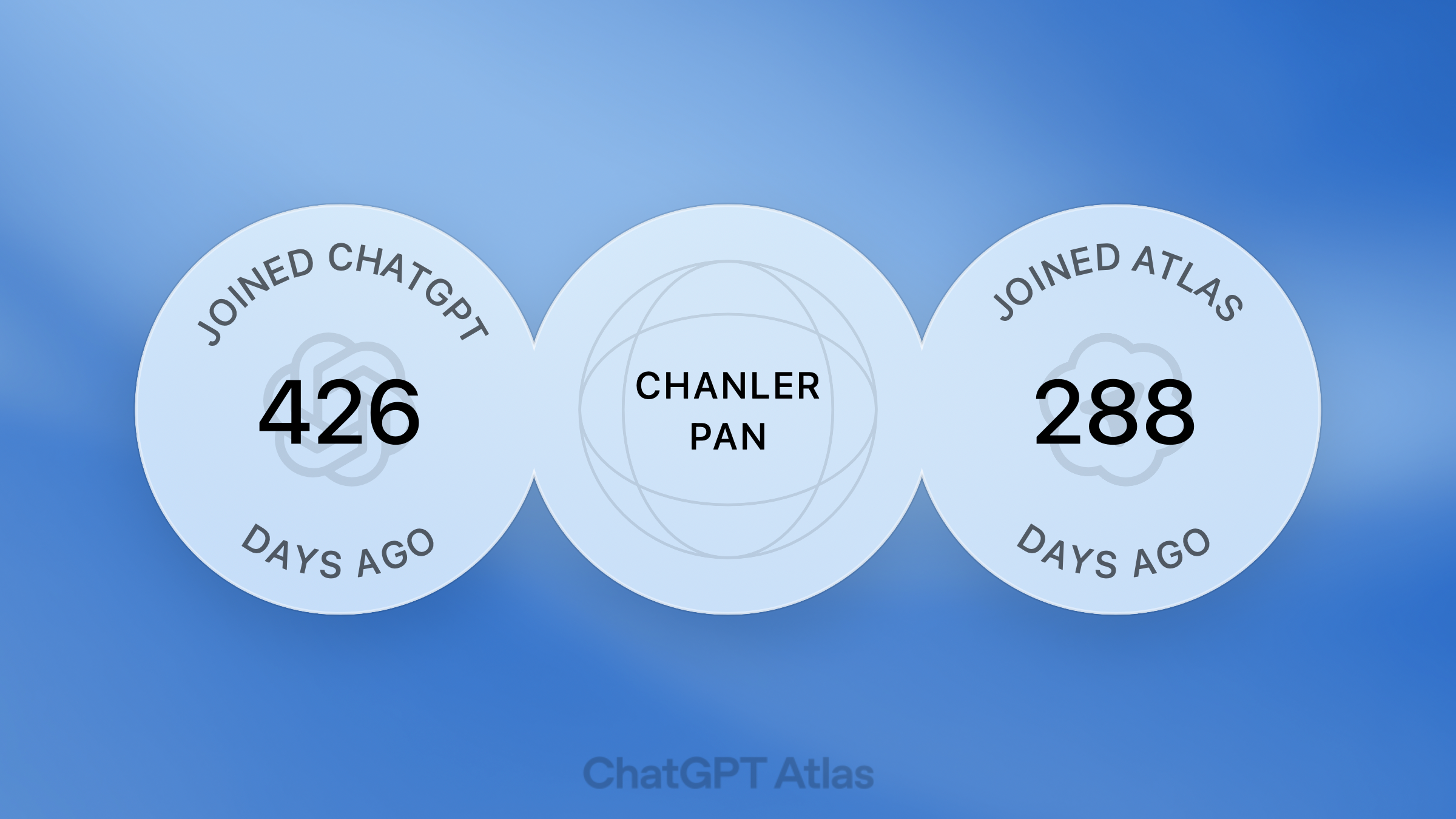
P.S. In memory of my Atlas 🪦
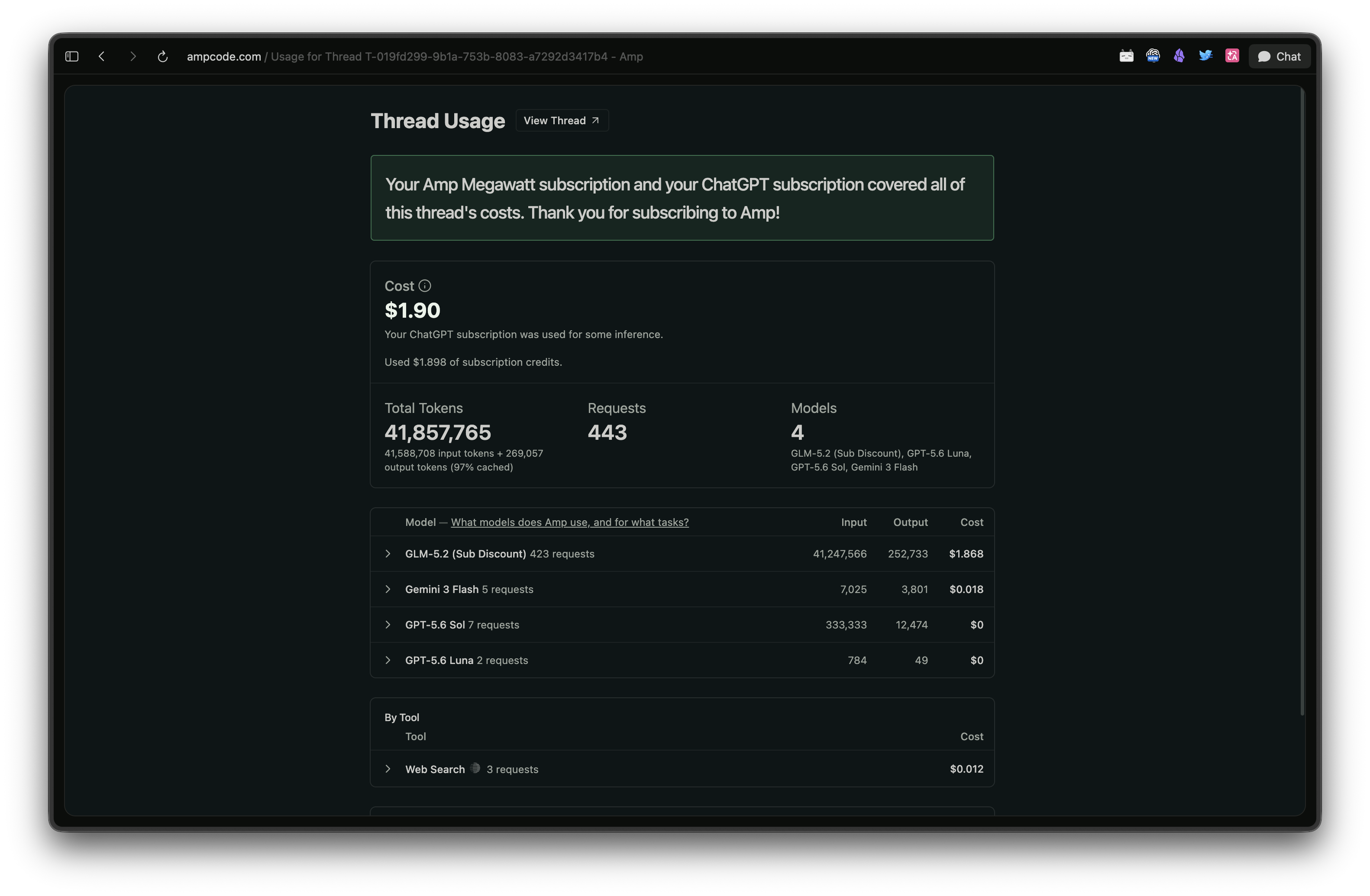
P.S. This used AmpCode low mode with GLM 5.2 as the main model — pretty decent. From exploring migration approaches to the full migration, plus distilling it into a skill, it cost $1.9 in total.
Migrating ChatGPT Atlas to Dia Browser (with Migration Guide)